Applovin Max
AppLovin Max is a tool from AppLovin that helps app developers optimize ad revenue by selecting the highest-paying ads from various ad networks.
omniload allows ingesting data from AppLovin Max reporting API.
URI Format
The URI format for Applovin Max is as follows:
applovinmax://?api_key=<your_api_key>
URI Parameters:
api_key: It is thereport keywhich is used for authenticating the request.
Source Table Format
The source table format should be specified as:
<table_name>:<application_ids>
Example:
user_ad_revenue:com.example.app1,com.example.app2
application_idshould be the application package name (for Android and Fire OS) or bundle ID (for iOS).
Setting up Applovin Integration
Generate a Report Key
You can generate a report key from your AppLovin dashboard.
Example:
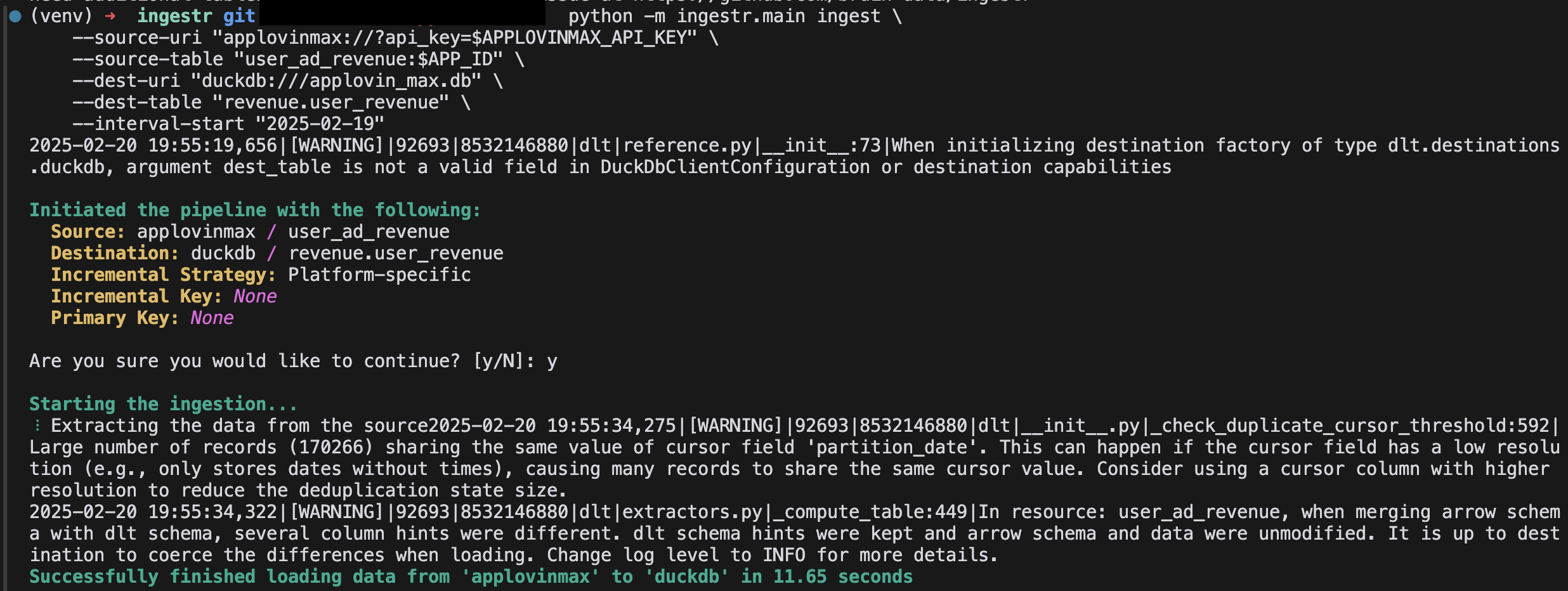
To retrieve user ad revenue data for an application com.example.app with api key key_123, and to store it in a DuckDB database, use the following command:
omniload ingest \
    --source-uri "applovinmax://?api_key=key_123" \
    --source-table "user_ad_revenue:com.example.app" \
    --dest-uri "duckdb:///applovin_max.db"  \
    --dest-table "dest.ad_revenue"
By default, omniload retrieves data for the last 30 days. For a custom date range, use the --interval-start and --interval-end parameters.
Table
Applovin Max source allows ingesting the following sources into separate tables:
Table |
PK |
Inc Key |
Inc Strategy |
Details |
|---|---|---|---|---|
|
partition_date |
merge |
Provides daily metrics from the user level ad revenue API. User-level revenue data is available eight hours after UTC day end. So, for example, data for UTC 2025-01-01 is available on UTC 2025-01-02 after 08:00. |