Mixpanel
Mixpanel is an analytics service for tracking user interactions in web and mobile applications.
omniload supports Mixpanel as a source.
URI format
mixpanel://?username=<service_account_username>&password=<service_account_secret>&project_id=<project_id>&server=<server>
URI parameters:
username: Mixpanel service account username.password: Mixpanel service account secret. This is the secret associated with the service account.api_secret: (Optional) Mixpanel project secret. Can be used instead ofusernameandpassword. Can be found in the Access Keys section of your project settings.project_id: The numeric project ID.server: (Optional) The server region to use. Can be “us”, “eu”, or “in”. Defaults to “eu”.
Either username/password or api_secret must be provided for authentication.
To grab mixpanel credentials, please follow the guide here.
Example
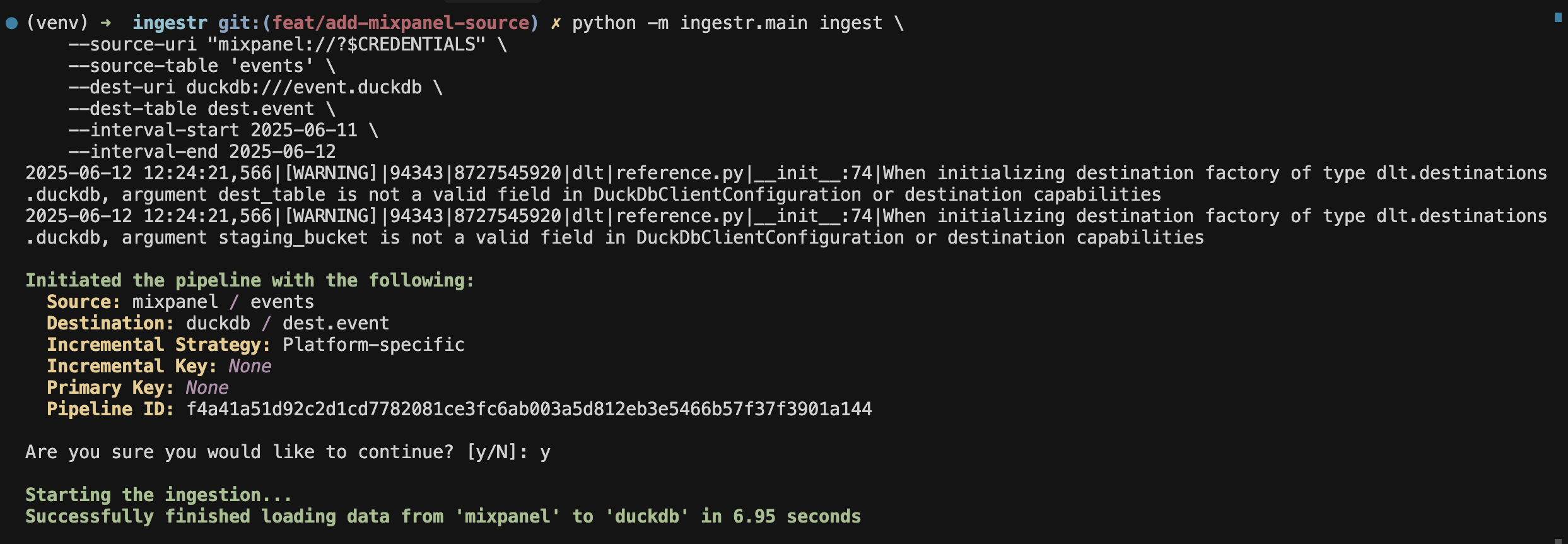
Copy events from Mixpanel into a DuckDB database:
omniload ingest \
    --source-uri 'mixpanel://?username=my-service-account&password=my-secret&project_id=12345' \
    --source-table 'events' \
    --dest-uri duckdb:///mixpanel.duckdb \
    --dest-table 'mixpanel.events'
Tables
Mixpanel source allows ingesting the following tables:
Table |
PK |
Inc Key |
Inc Strategy |
Details |
|---|---|---|---|---|
distinct_id |
time |
merge |
Retrieves events data |
|
distinct_id |
last_seen |
merge |
Retrieves Mixpanel user profiles and attributes. |
Use these as --source-table values in the omniload ingest command.