GitHub
GitHub is a developer platform that allows developers to create, store, manage and share their code.
omniload supports GitHub as a source.
URI format
The URI format for GitHub is as follows:
github://?access_token=<access_token>&owner=<owner>&repo=<repo>
URI parameters:
access_token(optional): Access Token used for authentication with the GitHub APIowner(required): Refers to the owner of the repositoryrepo(required): Refers to the name of the repository
Setting up a GitHub Integration
GitHub requires a few steps to set up an integration, please follow the guide dltHub has built here.
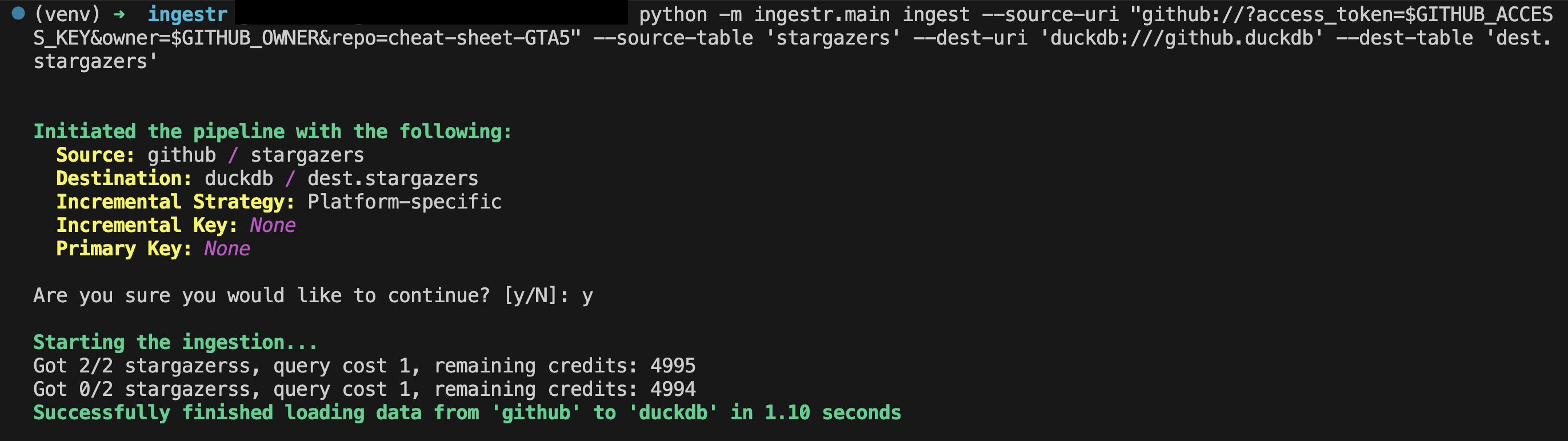
Once you complete the guide, you should have an access token. Let’s say your access token is ghp_test_1234, the owner is max, and the name of the repository is test_example. Here is a sample command that will copy the data from GitHub into a DuckDB database:
omniload ingest --source-uri 'github://?access_token=ghp_test_1234&owner=max&repo=test_example' --source-table 'issues' --dest-uri duckdb:///github.duckdb --dest-table 'dest.issues'
This is a sample command that will copy the data from the GitHub source to DuckDB.
Tables
GitHub source allows ingesting the following sources into separate tables:
Table |
PK |
Inc Key |
Inc Strategy |
Details |
|---|---|---|---|---|
|
- |
– |
replace |
Retrieves GitHub issues along with their comments and reactions. Full reload on each run. |
|
- |
– |
replace |
Retrieves pull requests with comments and reactions. Full reload on each run. |
|
|
|
merge |
Retrieves recent repository events. Appends only new events using |
|
- |
– |
replace |
Retrieves stargazers. Full reload on each run. |
Use these as --source-table parameter in the omniload ingest command.