SFTP
The SSH File Transfer Protocol (SFTP) is a secure file transfer protocol that runs over the SSH protocol. It provides a secure way to transfer files between a local and a remote computer.
omniload supports SFTP as a data source.
URI Format
The URI for connecting to an SFTP server is structured as follows.
sftp://<username>:<password>@<host>:<port>/path/to/data.parquet
URI components
- host:
The hostname or IP address of the SFTP server.
- port:
The port number of the SFTP server (defaults to 22 if not specified).
- username:
The username for the SFTP server.
- password:
The password for the SFTP server.
Examples
To integrate omniload with an SFTP server, you need the server’s
hostname, port, a valid username, and a password.
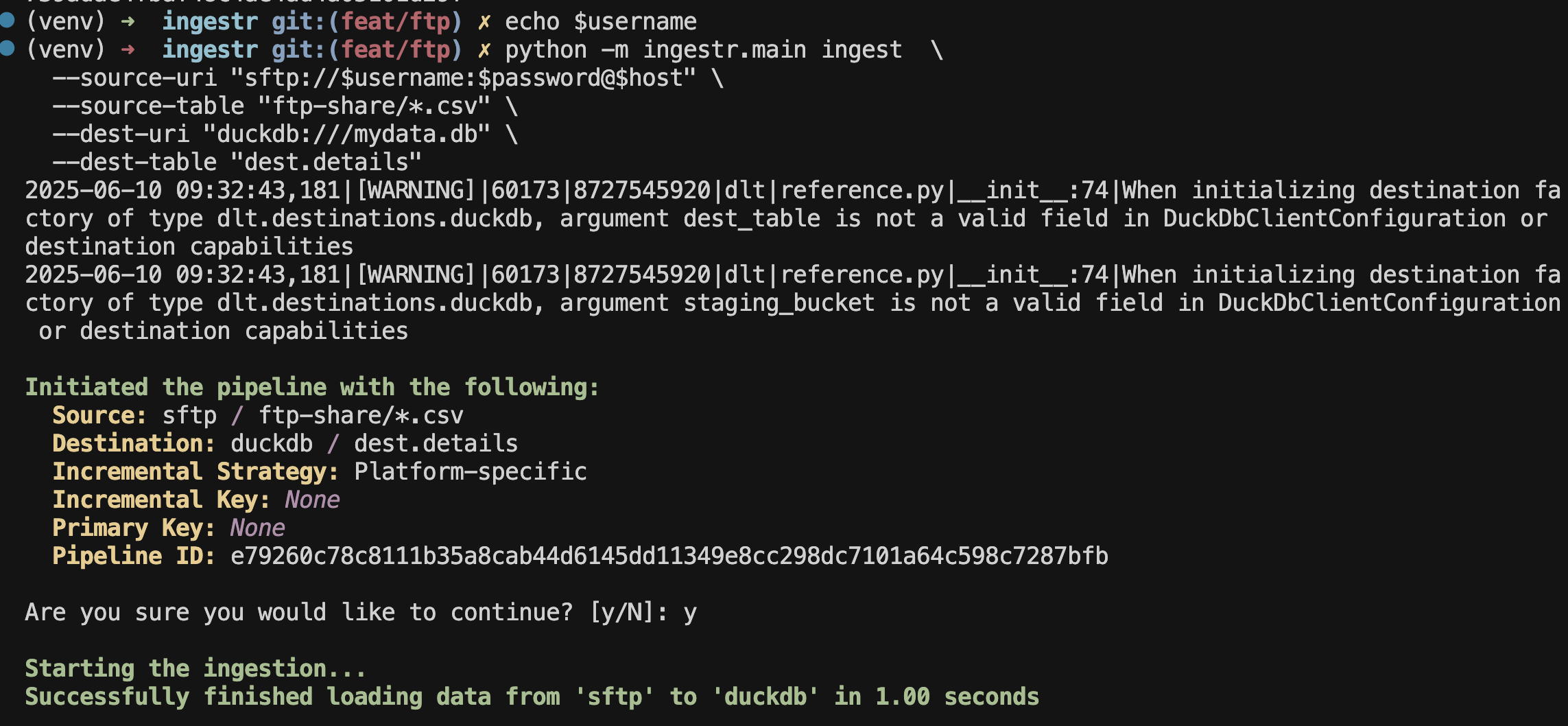
Load CSV data from SFTP into DuckDB
omniload ingest \
    --source-uri   'sftp://YOUR_USERNAME:YOUR_PASSWORD@sftp.example.com' \
    --source-table 'path/to/data.csv' \
    --dest-uri     'duckdb:///demo.duckdb' \
    --dest-table   'testdrive.data'
Running the command creates a table named data within the testdrive
schema in the DuckDB database file located at demo.duckdb.
Tip
Here, instead of defining the remote resource exclusively per source URI
using its <path> component, the --source-table option can specify the
base directory on the server where omniload should start looking for files.