TikTok Ads
TikTok Ads is an advertising platform that enables businesses and marketers to create, manage, and analyze ad campaigns targeting TikTok’s user base.
omniload supports TikTok Ads as a Source.
URI format
The URI format for TikTok Ads as a Source is as follows:
tiktok://?access_token=<ACCESS_TOKEN>&advertiser_ids=<advertiser_ids>&timezone=<timezone>
URI parameters:
access_token(required): Used for authentication and is necessary to access reports through the TikTok Marketing API.advertiser_ids(required): The comma-separated list of advertiser IDs to retrieve data for.timezone(optional): The timezone to use for the data retrieval, you should set this value to the timezone of the advertiser account. Defaults toUTC.
TikTok requires an access_token and advertiser_ids to retrieve reports from the TikTok marketing API. Please follow the guide to obtain the credentials.
Table: Custom Reports
Custom reports allow you to retrieve data based on specific dimensions, metrics, and filters.
Table |
PK |
Inc Key |
Inc Strategy |
Details |
|---|---|---|---|---|
|
[dimensions,advertiser_id] |
stat_time_day/stat_time_hour |
merge |
Custom reports based on specified dimensions, metrics, and filters. |
Custom Table Format:
custom:<dimensions>:<metrics>[:<filter_name,filter_values>]
Parameters:
dimensions(required): A comma-separated list of dimensions to retrieve.metrics(required): A comma-separated list of metrics to retrieve.filters(optional): Filters are specified in the format<filter_name=filter_values>.filter_name: The name of the filter (e.g.campaign_ids).filter_values: A comma-separated list of one or more values associated with the filter name (e.g.,camp_id123,camp_id456). Only theINfilter type is supported. Learn more about filters.
Note
omniload will fetch data for the last 30 days and use the default page size of 1000. You can override this by specifying the interval_start and interval_end parameters.
Example
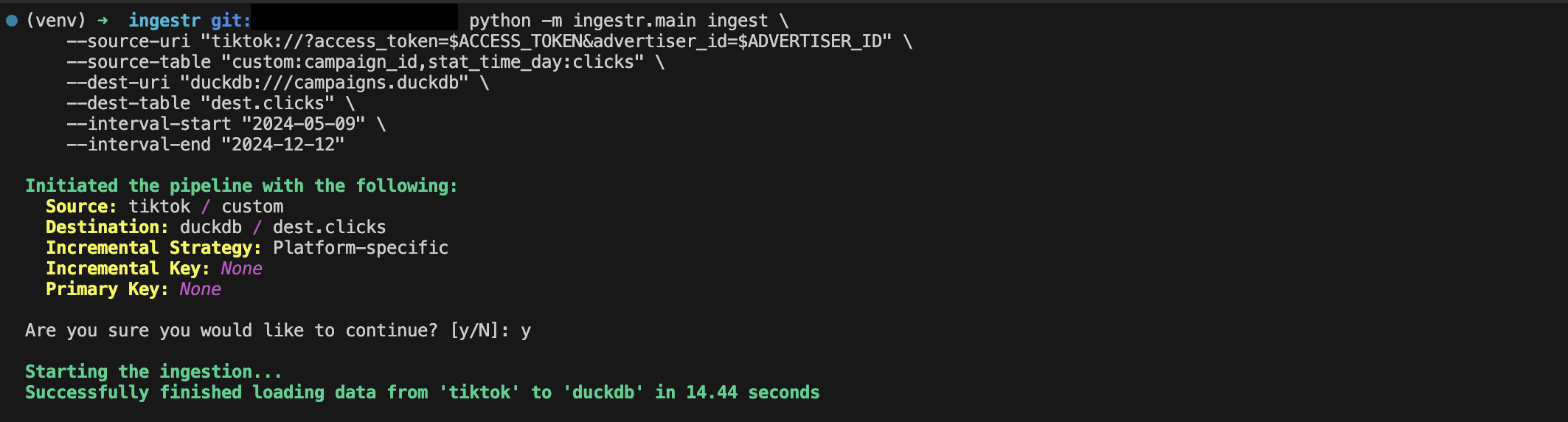
Retrieve data for campaigns with campaign_ids camp_id123 and camp_id456:
omniload ingest \
    --source-uri "tiktok://?access_token=token_123&advertiser_ids=0594720014,0594720015" \
    --source-table "custom:campaign_id,stat_time_day:clicks,cpc" \
    --dest-uri "duckdb:///campaigns.duckdb" \
    --dest-table "dest.clicks"
The applied parameters for the report are:
dimensions:
campaign_idandcountry_codemetrics:
clicksandcpcfilters:
campaign_idsforcamp_id123andcamp_id456
This command will retrieve data for the specified date range and save it to the dest.clicks table in the DuckDB database.